

Graphic Designs T Shirts: Creative Trends to Elevate Your Style
Graphic Designs T Shirts: The Ultimate Guide to Creativity, Trends, and Success
T-shirts are everywhere. You see them in schools, at concerts, in offices, and on the street. But what makes one T-shirt stand out from the rest? Often, it's the graphic design. The art and message on a T-shirt can show personality, promote a cause, or even launch a brand.
Graphic designs for T-shirts are not just about pictures—they are a creative language that connects people.
If you want to make your own T-shirt, start a business, or understand why some shirts sell better than others, this guide is for you. We’ll look at design principles, popular styles, top tools, and practical tips. You’ll also learn about printing methods, mistakes to avoid, and the future of T-shirt graphics.
Whether you are a beginner or want to improve your skills, you’ll find everything you need to know here.
What Is Graphic Design For T-shirts?
Graphic design for T-shirts is the process of creating images, text, or patterns that are printed onto shirts. These designs can be simple or complex, abstract or realistic. They might include logos, illustrations, slogans, or a mix of elements. The goal is to make the T-shirt attractive, meaningful, or memorable.
A successful graphic T-shirt combines artistic vision with practical choices. The designer thinks about the shirt’s color, fabric, target audience, and message. For example, a shirt for a sports team might use bold colors and dynamic shapes, while a fashion brand may prefer minimal designs with subtle details.
Graphic T-shirt design is not just for professionals. Many people create designs as a hobby, for special events, or for fun. With the right tools and knowledge, anyone can make a shirt that stands out.
Why Graphic Designs Matter For T-shirts
T-shirts are more than clothing—they are a way to express identity. A well-designed graphic T-shirt can:
- Show personality: People choose shirts that reflect their interests, humor, or values.
- Promote causes: Nonprofits and movements use graphic shirts to raise awareness.
- Market brands: Companies use T-shirts as walking advertisements.
- Celebrate events: From family reunions to sports games, shirts mark special moments.
Research shows that visuals increase memory and emotional connection. People remember images more than words, so a striking design can make a shirt—and its message—unforgettable.
A unique insight: Many customers are willing to pay more for a shirt with a creative or original design. Sometimes, the graphic alone can turn a simple shirt into a collector’s item.
Key Principles Of Great T-shirt Graphic Design
Designing for T-shirts is different from creating art for screens or posters. Here are the most important principles to follow:
1. Simplicity
Simple designs are easier to print and often look better on fabric. Too many details can get lost, especially on smaller shirts or busy backgrounds. Think of the most iconic shirts—like a smiley face, a single word, or a bold logo.
Less can be more.
2. Contrast
Good designs use contrast to grab attention. This means light images on dark shirts (or vice versa), and strong differences between shapes and colors. Without contrast, designs can look dull or hard to see.
3. Placement
Where the graphic sits on the shirt matters. Common spots are:
- Center chest (most popular)
- Left chest pocket area (subtle)
- Back (large statement designs)
- Sleeves (small logos or text)
The size and location of the design affect how people see and wear the shirt.
4. Typography
If you use words, choose clear, readable fonts. Avoid too many different styles in one design. Make sure the text fits the shirt’s mood—playful, serious, modern, or vintage.
5. Color Harmony
Pick colors that work well together and match the shirt’s base color. Use a limited color palette for a clean look and easier printing. Some colors don’t print well on certain fabrics, so always test your choices.
6. Balance
Distribute elements evenly so the design doesn’t feel crowded or empty. Use symmetry or asymmetry, but keep things visually pleasing.
7. Originality
Copying popular designs may seem easy, but original art stands out. Many buyers look for something new or personal, not just trends.
A second non-obvious insight: Always view your design at actual print size before finalizing. What looks good on your computer may not work on a real shirt. Print a test version on paper and hold it up to check.
Popular Styles Of T-shirt Graphic Design
Different people want different looks. Here are some popular styles you’ll find:
Minimalist
Features simple shapes, clean lines, and limited colors. Popular for fashion brands and everyday wear.
Vintage/retro
Uses faded colors, distressed effects, and old-school fonts. Appeals to nostalgia and gives a classic vibe.
Illustration
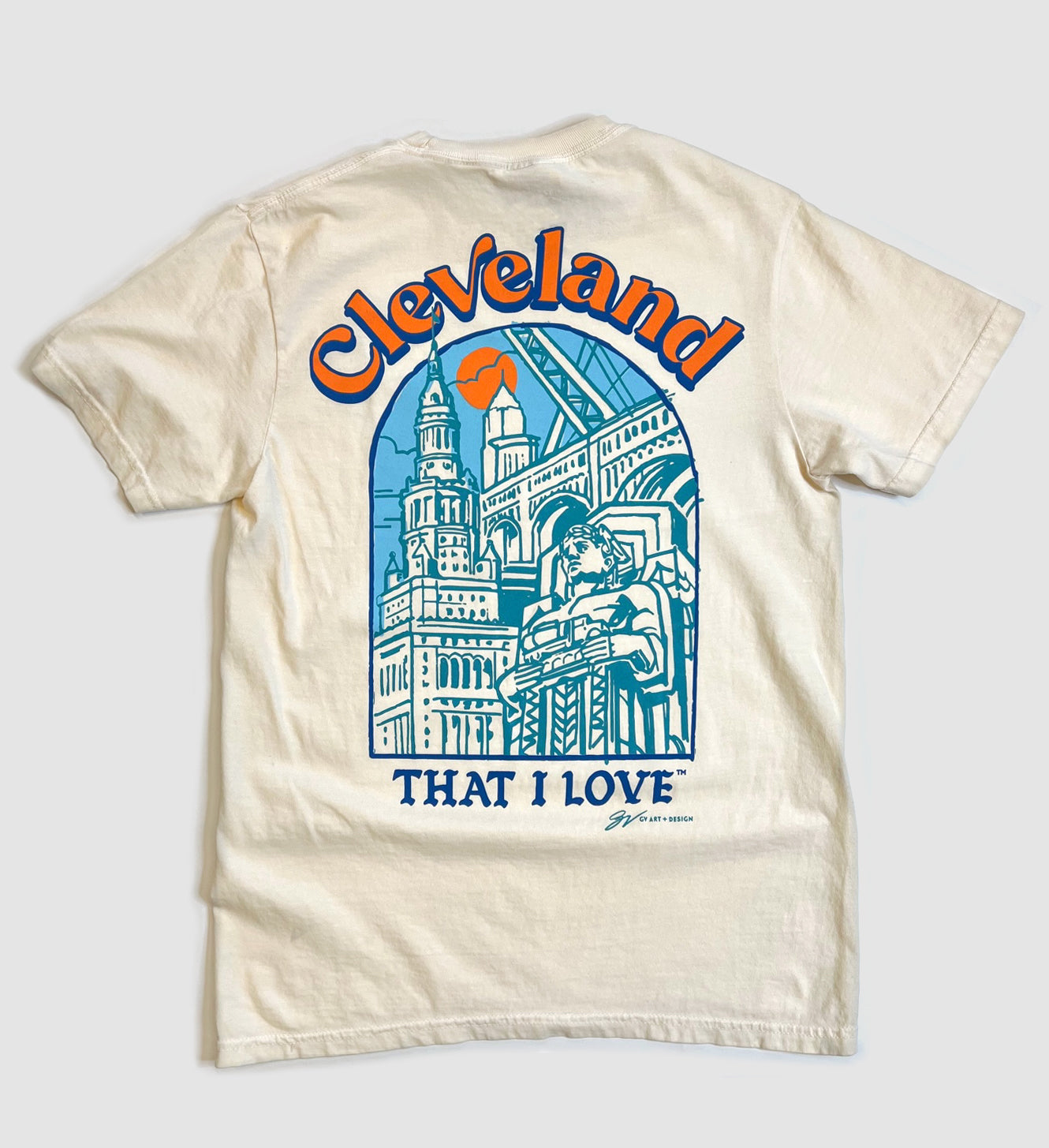
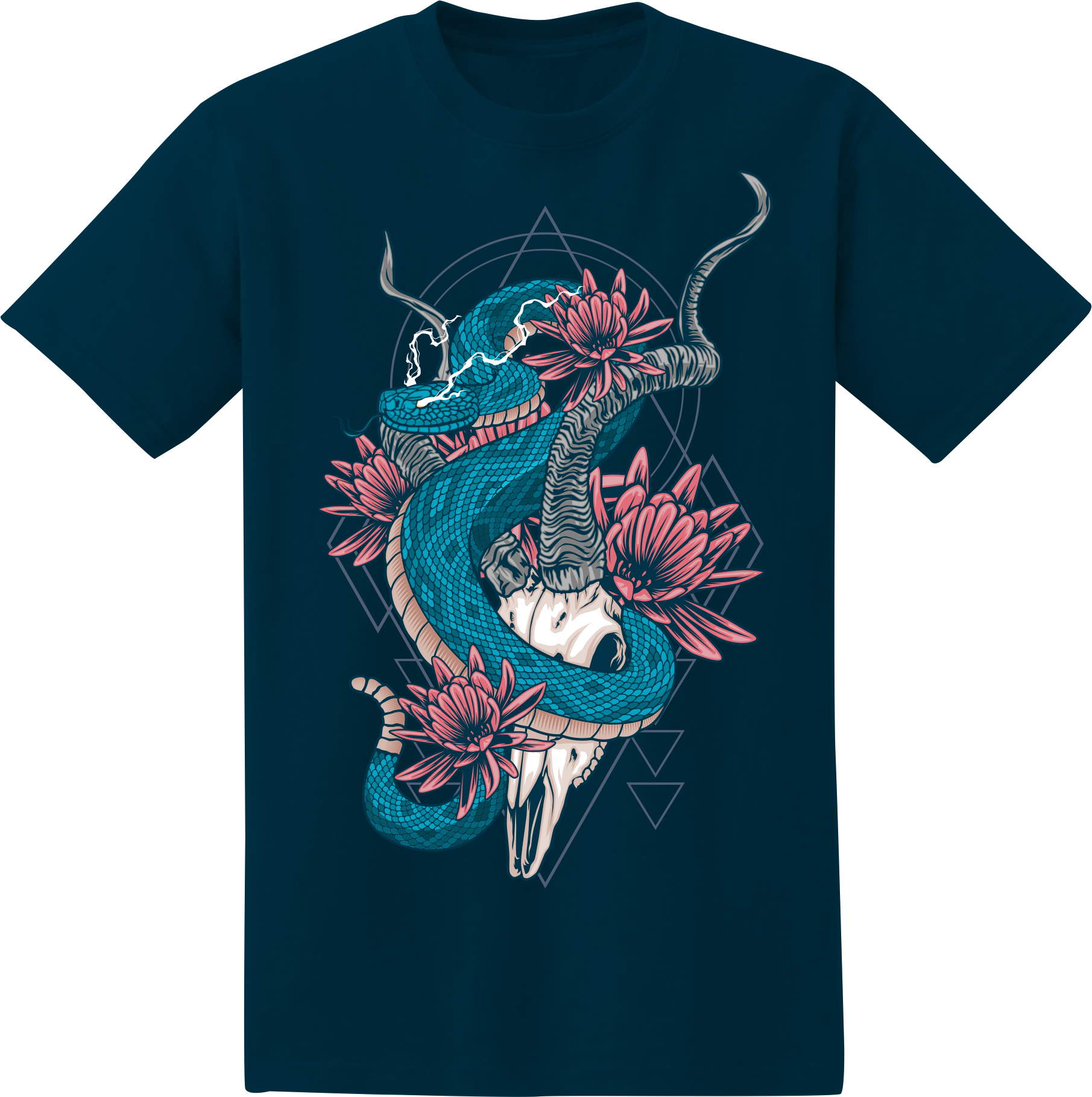
Hand-drawn or digital art, often detailed and creative. Common for band shirts, events, or unique gifts.
Typography-based
Focuses on words, slogans, or quotes. The message is the main feature, often with playful or bold fonts.
Abstract
Uses shapes, splashes, or patterns without clear images. Artistic and modern, good for creative audiences.
Photo-based
Prints real photos or photo-realistic images. Great for custom shirts or personal gifts, but requires high-quality images.
Pop Culture Mashups
Mixes characters, icons, or memes from movies, games, or cartoons. Appeals to fans and collectors, but be careful with copyright issues.
Graphic Patterns
Repeats a design across the shirt. Often used for streetwear or all-over print T-shirts.
3d Effects
Uses shadows, gradients, or special printing to look three-dimensional. These designs can be eye-catching but may cost more to produce.
Understanding these styles helps you choose what fits your audience or brand best.
Most Common Printing Methods For T-shirt Graphics
Your design is only as good as its print. Each printing method has strengths and limitations. Here are the main options:
Screen Printing
This is the most widely used method. Ink is pushed through a mesh screen onto the shirt. Best for:
- Large orders (cost goes down with quantity)
- Simple designs with few colors
- Long-lasting prints
Limitations: Not ideal for photos or very detailed images. Each color needs a separate screen.
Direct-to-garment (dtg)
A special printer sprays ink directly onto the fabric. Great for:
- Small orders or one-offs
- Complex, colorful, or photo designs
Limitations: Works best on 100% cotton shirts. May fade faster than screen prints.
Heat Transfer
Design is printed on special paper, then pressed onto the shirt with heat. Good for:
- Short runs
- Multi-color designs
Limitations: May crack or peel after many washes. Feels like a plastic layer on the shirt.
Sublimation
Ink turns into gas and fuses with polyester fabric. Ideal for:
- All-over prints or bright colors
- Polyester shirts
Limitations: Doesn’t work on cotton. Colors may look faded on dark fabrics.
Vinyl Cutting
Shapes or letters are cut from colored vinyl and heat-pressed onto the shirt. Great for:
- Simple logos or text
- Sports shirts (names and numbers)
Limitations: Not for detailed images. The vinyl layer can feel thick.
Here’s a quick comparison of popular printing methods:
| Method | Best For | Durability | Cost | Limitations |
|---|---|---|---|---|
| Screen Printing | Bulk orders, simple designs | Very high | Low (bulk) | Not for detailed images |
| DTG | Small runs, complex art | Medium | Medium | Best on cotton only |
| Heat Transfer | Short runs, multi-color | Medium | Low | May peel/crack |
| Sublimation | Polyester, all-over prints | High | Medium | Only for polyester |
| Vinyl | Logos, names/numbers | High | Low | Not for complex images |
Top Tools And Software For Designing T-shirt Graphics
Whether you want to draw by hand or design digitally, there are many great tools available. Here’s a breakdown:
Adobe Illustrator
Industry standard for vector design. Lets you create sharp, scalable graphics. Great for logos, icons, and clean illustrations.
Adobe Photoshop
Best for photo-based designs, complex art, or adding effects. Not ideal for vector graphics, but very flexible.
Coreldraw
Another vector tool, used by many screen printers. Good for detailed art and color separations.
Procreate
Popular on iPad. Excellent for hand-drawn or painted designs. Easy to learn and use with a stylus.
Canva
Web-based, beginner-friendly tool. Offers many templates and fonts. Not as advanced, but very quick for simple designs.
Gimp
Free, open-source alternative to Photoshop. Good for editing photos and basic art.
Inkscape
Free vector design software. Useful for making logos or line art.
Printful, Teespring, Redbubble Editors
Many online print-on-demand services offer built-in design tools. These are simple, but enough for basic graphics.
Here’s how some tools compare:
| Software | Best For | Platform | Cost |
|---|---|---|---|
| Adobe Illustrator | Professional vector art | Windows/Mac | Paid |
| Photoshop | Photo/complex art | Windows/Mac | Paid |
| Procreate | Hand-drawn art | iPad | Paid (one-time) |
| Canva | Simple designs | Web/Mobile | Free/Paid |
| Inkscape | Free vector art | Windows/Mac/Linux | Free |
A practical tip: Always save your final design in a high-resolution, print-ready format (like PNG, PDF, or SVG). This avoids blurry or pixelated prints.
The Process: How To Create A Graphic T-shirt Design
Here’s a simple step-by-step process for making your own T-shirt graphic:
Step 1: Define The Purpose
Ask yourself: Who will wear this shirt? Is it for fun, an event, a business, or a gift? Your purpose guides your choices.
Step 2: Brainstorm Ideas
Sketch or write down ideas. Look for inspiration in art, fashion, social media, or everyday life. Don’t copy—use ideas as a starting point.
Step 3: Choose Your Style
Pick a style that fits your audience and purpose (see styles above). Remember, trends come and go, but personal taste lasts.
Step 4: Select Colors
Pick 2–4 main colors. Test how they look on the shirt color. Use online color tools to find good combinations.
Step 5: Create The Design
Use your favorite software or draw by hand and scan your art. Keep designs simple and bold if you’re new.
Step 6: Prepare For Printing
Export your design in a high-resolution format. Remove backgrounds if needed. Ask your printer for their preferred file type.
Step 7: Print A Sample
Order one shirt to check the result. Colors can look different on fabric. Adjust if needed before making more.
Step 8: Finalize And Share
Once you’re happy, print more shirts or upload your design to sell online.
A common mistake: Skipping the sample shirt. Many beginners order in bulk and regret the result. Always test first.
Choosing The Right T-shirt For Your Design
The shirt itself matters as much as the graphic. Here are key factors to consider:
Fabric Type
- Cotton: Soft, breathable, works with all printing methods.
- Polyester: Durable, best for sublimation, less absorbent.
- Blends: Combine comfort and durability.
Fit And Style
- Unisex: Fits most people, common for events or brands.
- Fitted: Slim shape, more stylish but less flexible.
- Oversized: Trendy for streetwear or casual looks.
Color
Choose colors that match your design and audience. Bright shirts stand out, but black, white, and gray are always popular.
Brand And Quality
Better shirts last longer and feel better to wear. Look for trusted brands, check reviews, or order samples.
Here’s a comparison of common T-shirt fabrics:
| Fabric | Feel | Best For | Printing Methods |
|---|---|---|---|
| Cotton | Soft, breathable | Everyday, events | All methods |
| Polyester | Smooth, moisture-wicking | Sports, all-over prints | Sublimation |
| Blend (Cotton/Poly) | Soft + durable | Fashion, brands | Most methods |
Credit: gvartwork.com
Trends In T-shirt Graphic Design
Fashion and design trends change quickly. Here are some current and timeless trends:
Bold Typography
Big, bold words or phrases. Often motivational, funny, or ironic.
Nature And Outdoors
Plants, mountains, sunsets, and animals. Connects with eco-friendly and adventure themes.
Hand-drawn Illustrations
Gives a personal, artistic feel. Often used for small brands or unique gifts.
Pop Culture References
Quotes, memes, or characters from movies, games, or social media.
Positive Messages
Kindness, mental health, or social justice themes. Appeals to socially-aware buyers.
Vintage/retro
Old-school logos, faded colors, and retro fonts. Always popular.
All-over Prints
Patterns covering the whole shirt, not just the chest.
A pro tip: Don’t follow every trend. Focus on what fits your brand and audience.
How To Sell Graphic T-shirts Online
Selling T-shirts is a big business, but competition is tough. Here’s how to get started:
1. Choose Your Market
Are you selling to friends, local groups, or a global audience? Niche markets (like pet lovers or gamers) can be easier to reach.
2. Set Up A Store
Options include:
- Your own website (Shopify, WooCommerce)
- Print-on-demand platforms (Teespring, Redbubble, Printful)
- Marketplaces (Etsy, Amazon)
Print-on-demand is easiest for beginners, with no inventory needed.
3. Price Your Shirts
Consider costs, profit margin, and what buyers will pay. Most graphic T-shirts sell for $15–$35, but unique designs can fetch more.
4. Promote Your Designs
Use social media, paid ads, or influencers. Show real people wearing your shirts. Good photos sell better than mockups.
5. Manage Orders And Customer Service
Reply to questions quickly. Handle returns or complaints with care. Happy customers will recommend you.
A non-obvious tip: Offer limited editions or time-limited sales. Scarcity can boost demand and excitement.
Common Mistakes In T-shirt Graphic Design (and How To Avoid Them)
Many beginners make similar errors. Here’s how to avoid them:
- Using low-resolution images: This leads to blurry prints. Always design in at least 300 DPI.
- Too many colors: More colors mean higher printing costs. Stick to a few strong colors.
- Ignoring shirt color: Test your design on the actual shirt color. Some colors clash or disappear.
- Overcrowding the design: Leave space around your graphic. Crowded art looks messy.
- Choosing trendy fonts: Some fonts look cool now but age badly. Pick classic, readable fonts.
- Not testing print size: Design might look good on screen but too small/big on a shirt.
- Copyright issues: Don’t use copyrighted art or logos without permission. You could face legal trouble.
A final expert insight: Always order a sample before selling or gifting. You’ll catch mistakes that screens can hide.
Protecting Your Graphic T-shirt Designs
Design theft is common online. To protect your work:
- Add a small logo or signature to your design.
- Register your designs with copyright offices (where possible).
- Use watermarked images for online previews.
- Monitor sites for copies of your work.
Most importantly, build a brand that people trust. Even if someone copies your art, they can’t copy your reputation.
Credit: graphics-pro.com
The Future Of Graphic T-shirt Design
Technology and culture keep changing how we design and wear T-shirts. Here’s what’s next:
- Customization: More buyers want shirts with their names, photos, or art.
- Eco-friendly printing: Sustainable inks and recycled shirts are growing fast.
- Augmented reality: Some designs “come to life” with a phone app.
- AI-powered design: Tools that suggest or create art using artificial intelligence.
But one thing stays the same: People love shirts that say something about who they are.
For more insights into the history and culture of graphic T-shirts, see this Wikipedia article.
Frequently Asked Questions
What Is The Best Printing Method For Graphic T-shirts?
The best printing method depends on your design and needs. Screen printing is best for bulk orders and simple designs, while DTG is great for small runs and complex or photo designs. For all-over prints, sublimation is ideal, but only works with polyester shirts.
How Do I Choose The Right Shirt Color For My Design?
Pick a shirt color that contrasts with your design. Light graphics look best on dark shirts and vice versa. Always test your design on the actual shirt color using mockups or samples to avoid surprises.
Can I Use Any Image For My T-shirt Design?
No. You must have the right to use the image—either you made it, you bought a license, or it’s free for commercial use. Avoid using copyrighted photos, logos, or characters without permission.
How Do I Make Sure My Design Is Print-ready?
Design at 300 DPI (dots per inch) in the size you want on the shirt. Save your file as PNG (with transparent background), PDF, or SVG. Remove any extra backgrounds and check that colors look good on fabric.
What Sells Better: Trendy Designs Or Original Art?
Both can sell well, but original art often creates loyal customers and stands out in a crowded market. Trendy designs may sell fast but can fade quickly. Combining your own style with popular themes is often the best approach.
Graphic T-shirt design is a fun and rewarding way to express yourself, build a brand, or earn money. Whether you’re designing for friends or starting a business, remember: the best shirts tell a story—your story.
Credit: www.vecteezy.com
