

Graphics for T-Shirt: Creative Design Ideas to Boost Your Style
Graphics for T-Shirt: A Complete Guide to Creating and Choosing Designs
T-shirts with graphics are everywhere. People wear them to show personality, share messages, or just look stylish. Graphic tees are not only for fashion—they are used by brands, artists, and organizations to connect with others. If you want to make your own t-shirt graphics, or choose the best designs for printing, you need to understand the basics and the details.
This guide will help you learn everything important about graphics for t-shirt, from design ideas to technical requirements and printing methods. Whether you are a beginner or want to improve your skills, you will find clear advice and practical tips.
Understanding Graphics For T-shirt
T-shirt graphics are images, text, or artwork printed or pressed onto fabric. They can be simple, like a logo or slogan, or complex, like detailed illustrations. The most popular types include:
- Illustrations: Hand-drawn or digital artwork.
- Typography: Creative use of words and fonts.
- Logos and branding: Company or team symbols.
- Photos: Real images, often edited or stylized.
- Patterns: Repeated shapes, lines, or motifs.
Graphics are not just about looking good. They can tell a story, spread a message, or make someone laugh. Choosing the right graphic depends on your goal and audience.
Key Elements Of Good T-shirt Graphics
A successful t-shirt graphic has certain qualities. If you want your design to stand out, focus on these elements:
1. Simplicity
Simple graphics are easier to print and often look better on fabric. Avoid overcrowding the design with too many colors or details. The best t-shirts are usually clear and easy to read from a distance.
2. Contrast
Strong contrast between colors helps the design pop. Use light colors on dark shirts and vice versa. High contrast also makes graphics more visible and attractive.
3. Placement
Where you put the graphic matters. Most designs are centered on the chest, but you can also print on sleeves, the back, or even small areas like the pocket. Placement affects how the graphic is seen and worn.
4. Size
The size of the graphic should fit the shirt. Too big, and it can look overwhelming. Too small, and it might be missed. Common sizes for chest graphics range from 8 to 12 inches wide.
5. Color Choice
Colors must work together and suit the shirt color. Some colors look dull on certain fabrics. Test your palette or use color theory basics to pick the best combinations.
6. Style Consistency
The style should match the purpose. For example, a cartoon for a kids’ shirt, or a sleek logo for a company tee. Mixing styles can confuse the message.
7. Readability
Text should be clear and easy to read. Avoid fancy fonts that are hard to understand. If your graphic includes words, test it at different sizes.
Credit: www.tb4a.com
Popular Types Of T-shirt Graphics
There are many kinds of graphics used on t-shirts. Here are the most common categories:
Illustration-based Graphics
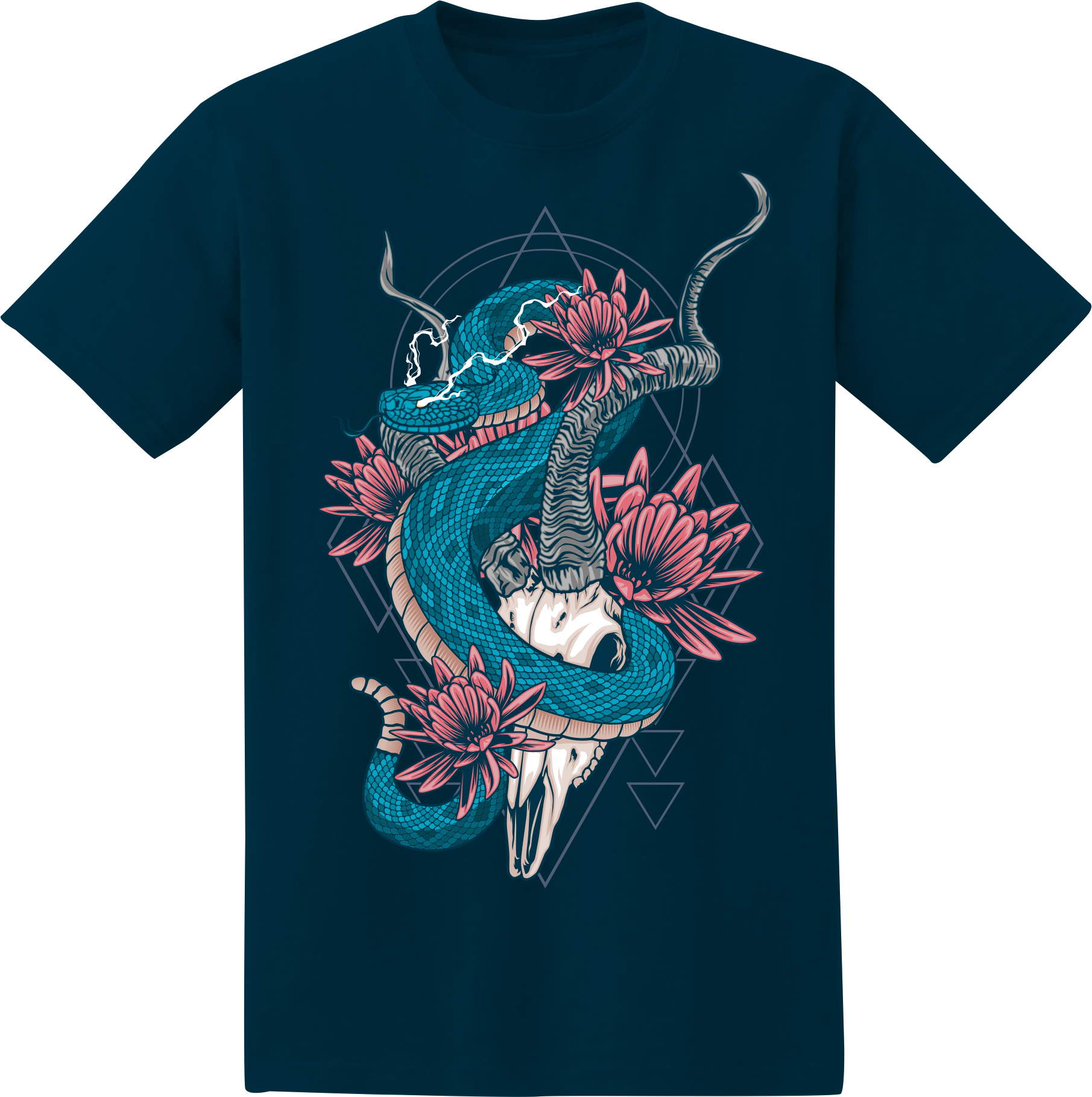
Artists often use t-shirts as a canvas. Hand-drawn or digital illustrations can be detailed or minimal. Many streetwear brands use illustration graphics for unique looks.
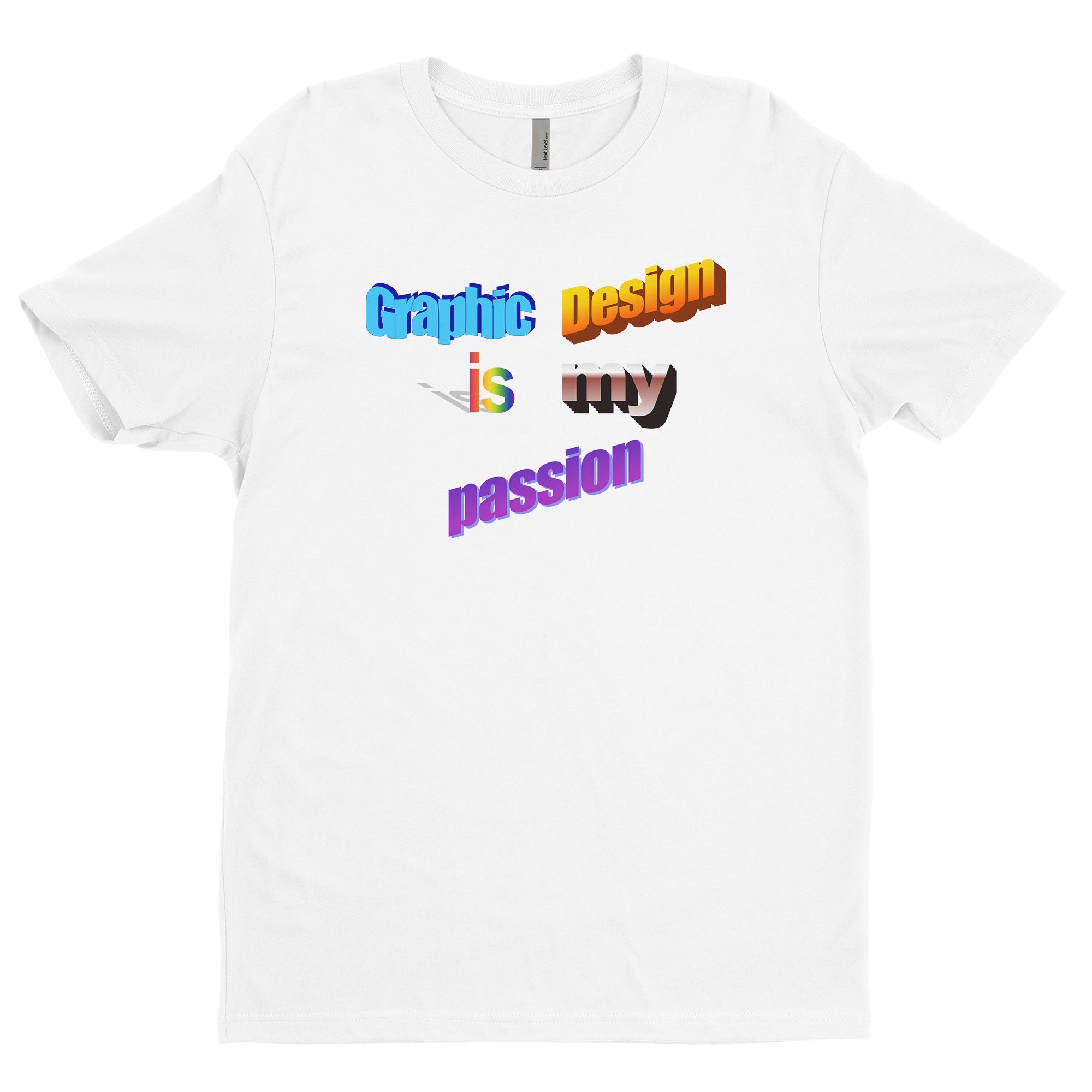
Typography Graphics
Words alone can make a strong statement. Typography graphics use creative fonts, layouts, and effects to make text interesting. Slogans, quotes, and brand names are popular choices.
Logo-based Graphics
Companies and organizations use their logos on t-shirts for branding. Logos are usually simple and recognizable, making them perfect for small prints or large front designs.
Photographic Graphics
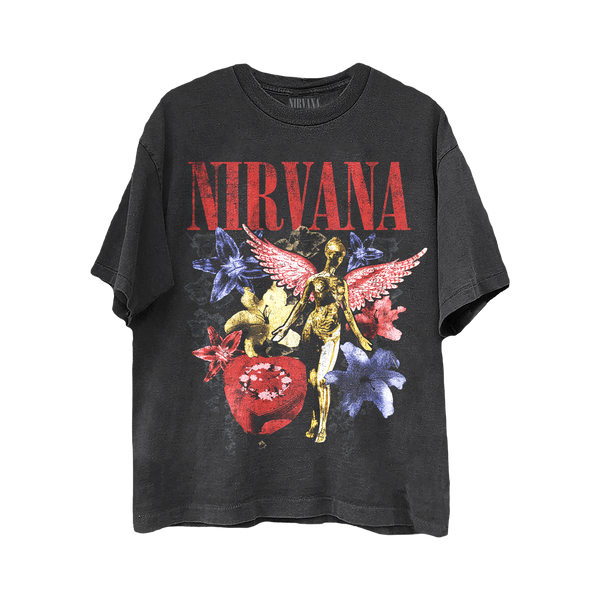
Printing photos on t-shirts is common in music, sports, and pop culture. These graphics often use filters, edits, or overlays to add style.
Abstract And Pattern Graphics
Abstract shapes, lines, or repeating patterns are trendy. They can be geometric, organic, or inspired by nature. Patterns work well for all-over prints or small accents.
Artistic And Fine Art Graphics
Some t-shirts feature famous artworks or original pieces. These graphics are usually more detailed and require careful printing methods to capture the art.
How To Create Graphics For T-shirt
If you want to make your own t-shirt graphics, follow these steps:
Step 1: Choose Your Concept
Start with a clear idea. Think about your message, audience, and style. Ask yourself:
- What do you want the shirt to say or show?
- Who will wear it?
- What mood or vibe do you want?
Step 2: Sketch Or Plan The Design
Draw rough sketches on paper or digitally. Try different layouts and placements. Don’t worry about perfection yet—focus on the idea.
Step 3: Use Design Software
For digital graphics, use tools like:
- Adobe Illustrator: Great for vector art and logos.
- CorelDRAW: Good for professional t-shirt graphics.
- Procreate: Popular with illustrators (iPad).
- GIMP or Inkscape: Free options for beginners.
Vector designs are preferred because they can be resized without losing quality.
Step 4: Select Colors And Fonts
Pick a color palette that suits the shirt and the design. Test colors on mockups. Choose fonts that are readable and fit the style.
Step 5: Prepare The File For Printing
Printers need files in specific formats. The most common are:
- Vector format (AI, EPS, SVG): Best for screen printing.
- High-resolution raster (PNG, PSD): For photo or digital prints.
Set the resolution to at least 300 DPI for clear prints. Make sure colors are in CMYK mode, not RGB.
Step 6: Test And Revise
Print a sample or view the design on a mockup. Check for mistakes, readability, and color accuracy. Make changes as needed.
Step 7: Save And Export
Save the final file with proper naming. Export in the required format for your printer or online service.
Best Practices For T-shirt Graphic Design
Designing graphics for t-shirts is different from designing for screens or paper. Here are key tips:
- Think about fabric: Colors look different on cotton, polyester, or blends. Some inks work better on certain materials.
- Avoid small details: Tiny lines or text can get lost during printing.
- Use limited colors: Printing many colors costs more and can cause issues.
- Consider printing method: Screen printing, DTG, and heat transfer each have limits.
- Test on real shirts: Digital previews can mislead. A physical sample helps spot problems.
- Keep legal issues in mind: Don’t use copyrighted images or logos without permission.
Printing Methods For T-shirt Graphics
There are several ways to print graphics on t-shirts. Each method has pros and cons.
Screen Printing
This is the most common method. It uses screens and ink to transfer the design onto the fabric.
Pros:
- Durable prints
- Bright colors
- Good for large batches
Cons:
- Expensive for small orders
- Limited color detail
Direct-to-garment (dtg) Printing
DTG uses a printer to spray ink directly onto the shirt. It works like a regular inkjet printer.
Pros:
- Great for small orders
- Can print photos and details
- Fast setup
Cons:
- Less durable than screen printing
- Works best on 100% cotton
Heat Transfer
The design is printed on a special paper, then pressed onto the shirt using heat.
Pros:
- Easy for small batches
- Works on different fabrics
Cons:
- Can peel or crack over time
- Not as soft as other methods
Sublimation
This method uses heat to transfer dye into the fabric. It works best on polyester.
Pros:
- Bright, all-over prints
- No fading or cracking
Cons:
- Only works on light, synthetic fabrics
- Not suitable for cotton
Vinyl Cutting
Designs are cut from colored vinyl sheets and pressed onto the shirt.
Pros:
- Durable for simple shapes
- Good for numbers and names
Cons:
- Not good for complex or detailed graphics
| Printing Method | Best For | Durability | Cost (per shirt) |
|---|---|---|---|
| Screen Printing | Large batches, simple designs | High | Low |
| DTG | Small batches, detailed designs | Medium | Medium |
| Heat Transfer | Small batches, custom shirts | Low | Medium |
| Sublimation | All-over prints, synthetic fabric | High | Medium |
| Vinyl Cutting | Simple text, numbers | High | Low |
Credit: graphics-pro.com
Choosing Graphics For Your T-shirt
If you are picking a graphic for your t-shirt, consider these factors:
Purpose
Why are you making the shirt? Is it for personal use, business, an event, or a gift? The purpose affects the style, colors, and message.
Audience
Who will wear the shirt? Young people might like trendy graphics, while professionals prefer simple logos. Gender, age, and interests matter.
Shirt Color And Material
The base color changes how graphics look. Light shirts suit dark graphics, and vice versa. Material affects the printing method and durability.
Print Area
Decide where you want the graphic. Chest, back, sleeves, or all-over. Each area has size limits and printing challenges.
Budget
Some graphics cost more to print, especially detailed or multi-color designs. Plan your budget before choosing complex graphics.
Print Quantity
Printing one shirt is different from printing hundreds. Screen printing works best for large orders, while DTG is good for custom, small batches.
| Factor | Impact on Graphic Choice | Example |
|---|---|---|
| Purpose | Style and message | Event logo vs. funny slogan |
| Audience | Design complexity | Kids cartoon vs. corporate logo |
| Shirt Color | Color palette | White shirt with black print |
| Material | Printing method | Cotton for DTG, polyester for sublimation |
| Budget | Number of colors and size | Single color for lower cost |
| Print Area | Graphic size and shape | Small chest logo vs. full back print |
Mistakes To Avoid With T-shirt Graphics
Many beginners make common mistakes when designing or choosing t-shirt graphics. Here are some to watch out for:
- Too much detail: Fine lines and tiny text don’t print well.
- Low resolution images: Blurry graphics look unprofessional.
- Poor color contrast: Hard to see designs.
- Ignoring shirt material: Some inks don’t stick to all fabrics.
- Wrong file format: Printers may reject your design.
- Copying copyrighted graphics: Legal trouble can follow.
- Neglecting mockups: Always preview your design on a shirt.
- Overcrowded layout: Crowded designs are confusing.
- Bad placement: Printing too low or too high looks odd.
- Missing bleed and margins: Design might get cut off.
Non-obvious insight: Many beginners forget that graphics look different when stretched over the body, especially on fitted shirts. Always test placement and size in real situations, not just on flat images.
Trends In T-shirt Graphics
Fashion changes, and so do t-shirt graphics. Here are current trends:
Minimalism
Simple lines, one-color graphics, and clean fonts are popular. Minimalism is timeless and suits many audiences.
Vintage And Retro
Old-school graphics, faded colors, and classic logos bring nostalgia. Vintage styles are especially popular in music and sports.
All-over Prints
Large graphics that cover the whole shirt are trendy. These use sublimation printing and bold patterns.
Hand-drawn And Artistic
Unique, personal artwork is valued. People like graphics that look hand-made or custom.
Eco-friendly Themes
Designs promoting nature, recycling, or social causes are in demand. Green colors and earth symbols are common.
Pop Culture
Movies, games, and celebrities inspire t-shirt graphics. Fans love wearing shirts with their favorite characters.
Customization
Personalized graphics, names, or photos are a growing trend. Many online shops offer custom printing.
Technical Requirements For T-shirt Graphics
To print a graphic on a t-shirt, you need to prepare the file correctly. Here are the technical requirements:
Resolution
Graphics should be at least 300 DPI (dots per inch) for sharp prints. Lower resolutions can cause blurry images.
File Formats
Printers accept certain formats. The most common are:
- AI, EPS, SVG: For vector designs.
- PNG, PSD: For raster images.
Avoid low-quality JPGs unless they are high resolution.
Color Mode
Use CMYK color mode for printing. RGB is for screens and can cause color issues.
Size
Set the graphic size to match the print area. Most chest graphics are 8-12 inches wide.
Transparency
If you want parts of the shirt to show through, use transparent backgrounds (PNG).
Bleed
Add extra space around the design to avoid cutting off edges during printing.
Non-obvious insight: Sometimes printers ask for separated layers for each color, especially in screen printing. Always check requirements before sending your file.
How To Choose A Printing Service For T-shirt Graphics
If you don’t print shirts yourself, you need a reliable printing service. Here’s how to pick one:
Reputation
Look for reviews and ratings. Check samples from past customers.
Printing Methods Offered
Make sure they offer the method you want (screen, DTG, etc. ).
Pricing
Compare prices for single shirts and bulk orders. Some services charge extra for setup or complex designs.
Turnaround Time
Ask how fast they deliver. If you need shirts for an event, timing is important.
Customer Support
Good support helps with file setup, design advice, and troubleshooting.
Guarantees
Check for satisfaction guarantees or reprint policies.
WikiHow gives a helpful guide on choosing a printing service.
Example Graphic Design Process For A T-shirt
To make it clearer, let’s walk through a real example:
- Concept: You want a graphic for a charity event.
- Sketch: Draw a simple heart with people holding hands.
- Software: Use Illustrator to create a vector version.
- Colors: Pick red, white, and blue for contrast.
- Placement: Center the graphic on the chest.
- Font: Add the event name in a bold, easy-to-read font.
- Mockup: Preview the design on a white shirt.
- Prepare file: Save as AI and PNG at 300 DPI.
- Send to printer: Choose screen printing for durability.
Credit: shop.nirvana.com
Graphic Sizes For T-shirt Printing
Choosing the right size for your graphic is key. Here are standard sizes:
- Chest front: 8-12 inches wide
- Back: 10-14 inches wide
- Sleeve: 3-4 inches wide
- Pocket area: 3-4 inches wide
Some printers have specific templates. Always check before finalizing.
| Print Area | Recommended Size (inches) | Common Use |
|---|---|---|
| Chest front | 8-12 | Main graphic |
| Back | 10-14 | Event info, large artwork |
| Sleeve | 3-4 | Small logos, flags |
| Pocket area | 3-4 | Brand logo, initials |
How To Sell T-shirts With Graphics
If you want to make and sell t-shirts, follow these tips:
Find Your Niche
Pick a theme or style that suits your audience. For example, funny quotes, pet graphics, or sports designs.
Create Original Graphics
Unique designs sell better. Avoid copying or using generic clip art.
Use Quality Printing
Choose reliable printers and durable methods. Bad prints can hurt your reputation.
Set Up Online Shop
Use platforms like Shopify, Etsy, or Amazon. They help with payments, shipping, and marketing.
Promote Your Shirts
Share on social media, use influencers, or run ads. Good photos and mockups are important.
Customer Service
Respond to questions, offer returns, and keep buyers happy.
Non-obvious insight: Many sellers overlook shirt sizing and fit. Always offer size charts and clear photos to reduce returns.
Frequently Asked Questions
What Is The Best Format For T-shirt Graphics?
The best format is vector (AI, EPS, SVG) because it can be resized without losing quality. For photo graphics, use high-resolution PNG or PSD files.
How Many Colors Should I Use In A T-shirt Graphic?
It’s best to use 2-4 colors for cost and clarity. Too many colors make printing expensive and can cause confusion.
Can I Use Any Image For My T-shirt Graphic?
No, avoid using copyrighted images or logos without permission. Use original artwork or buy the rights to graphics.
What’s The Difference Between Screen Printing And Dtg?
Screen printing is better for large batches and simple designs, while DTG works well for detailed, small orders. DTG prints can show more color depth but may fade faster.
How Do I Make Sure My Graphic Looks Good On A Shirt?
Always preview on a mockup and test print if possible. Check for contrast, size, and placement. Ask for feedback from others before finalizing.
Creating graphics for t-shirts is both an art and a science. With the right knowledge, tools, and approach, anyone can make shirts that look professional and express their style. Pay attention to design basics, printing requirements, and your audience. Whether for fun, business, or events, graphic tees are a powerful way to share ideas and connect with others.
